Make your catalog work for you.
Practical, first-party guides for independent sellers: organize product research, review permitted content and take your listing files with you.

How to organize product listings without losing context
A practical workflow for turning saved product inspiration into a searchable, source-aware listing library.
Read the guide
How to bulk export listings with their image files
From selection to a portable ZIP: review your content rights and carry the actual retained image files with your listing text.
Read the guide
Why images are missing from a listing ZIP—and what to check
Check storage, permissions, failed source requests and numbered package parts before retrying a large image export.
Read the guide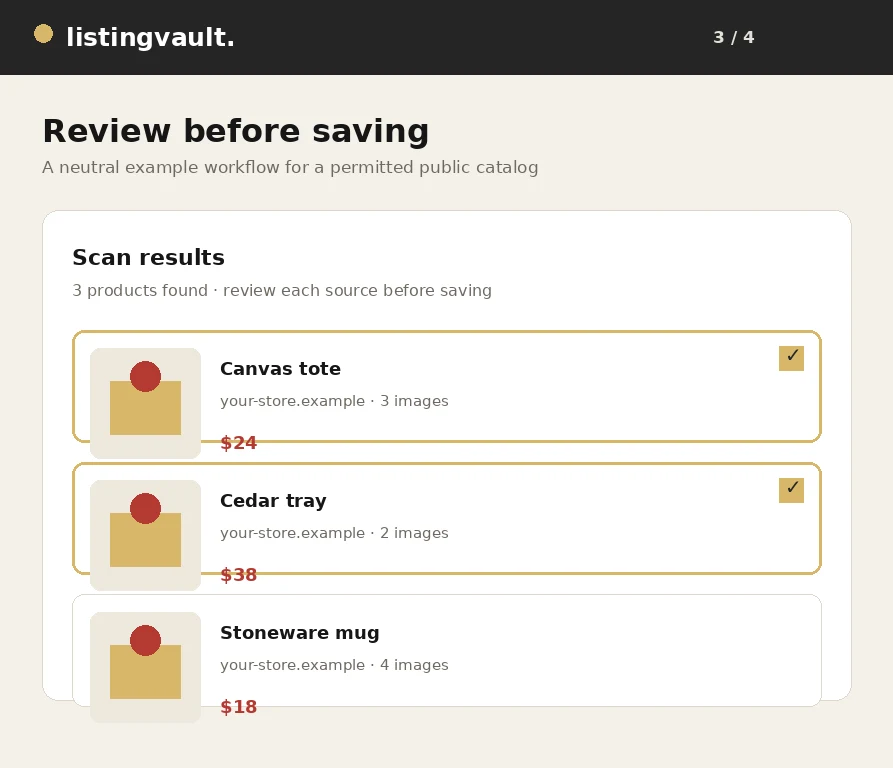
How to scan and save listings from a website
A visual walkthrough of scanning a public catalog, reviewing products and saving the selected listing batch.
Read the guide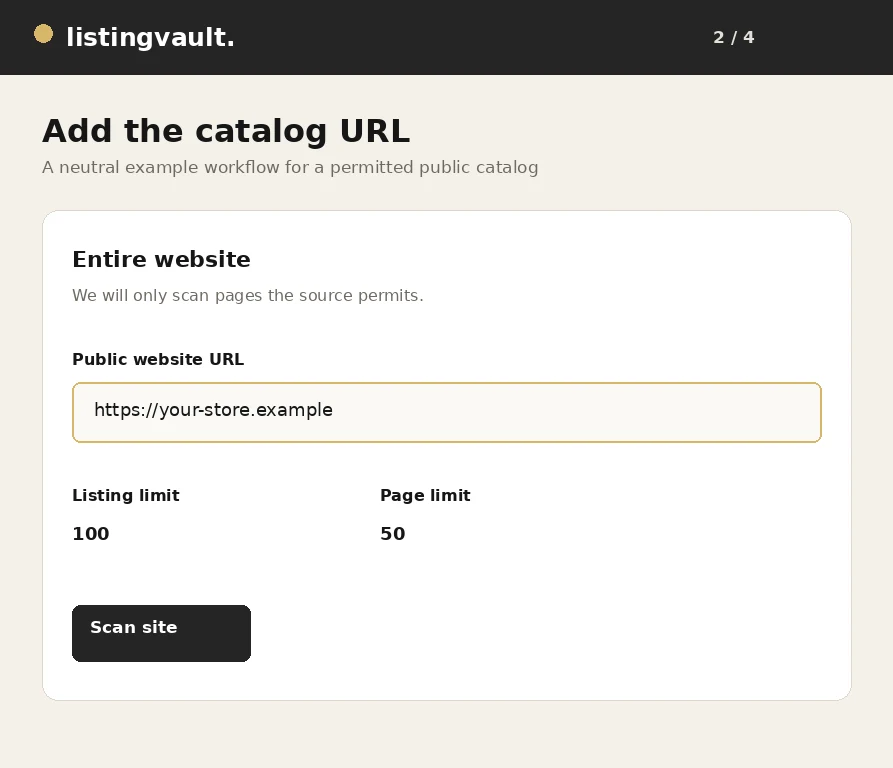
How to import product listings from any permitted website
A practical guide to importing product titles, descriptions and image references from a website you are permitted to scan.
Read the guide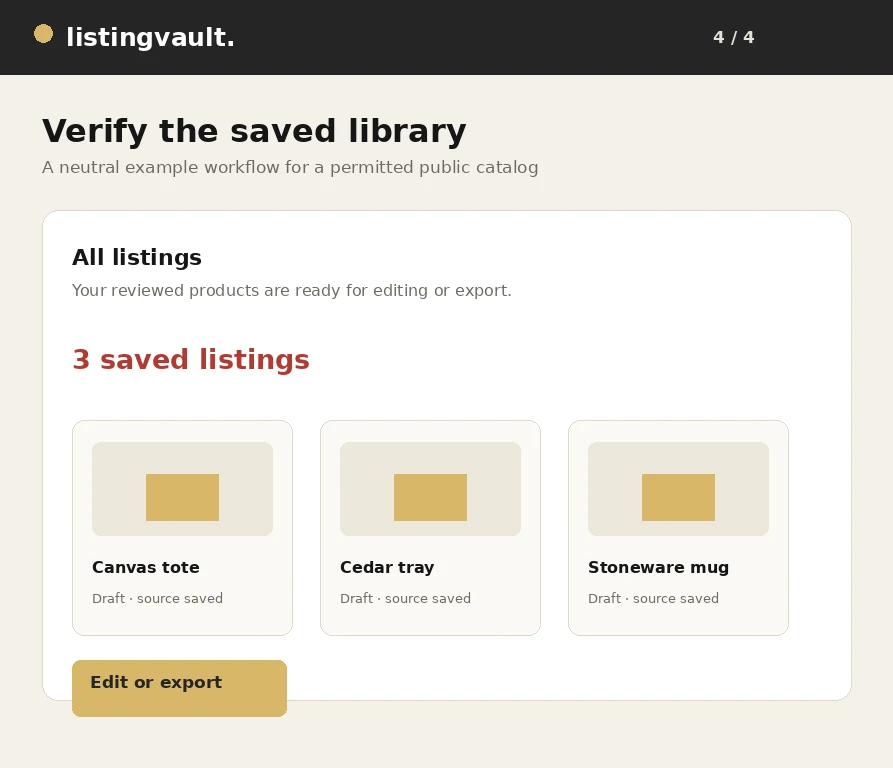
How to download product listings with images in bulk
A step-by-step export workflow for carrying selected listing text and eligible stored images into a complete portable package.
Read the guideHow to avoid duplicate products when importing listings
Practical ways to keep a product library distinct when scanning pages, resuming jobs or importing the same source more than once.
Read the guide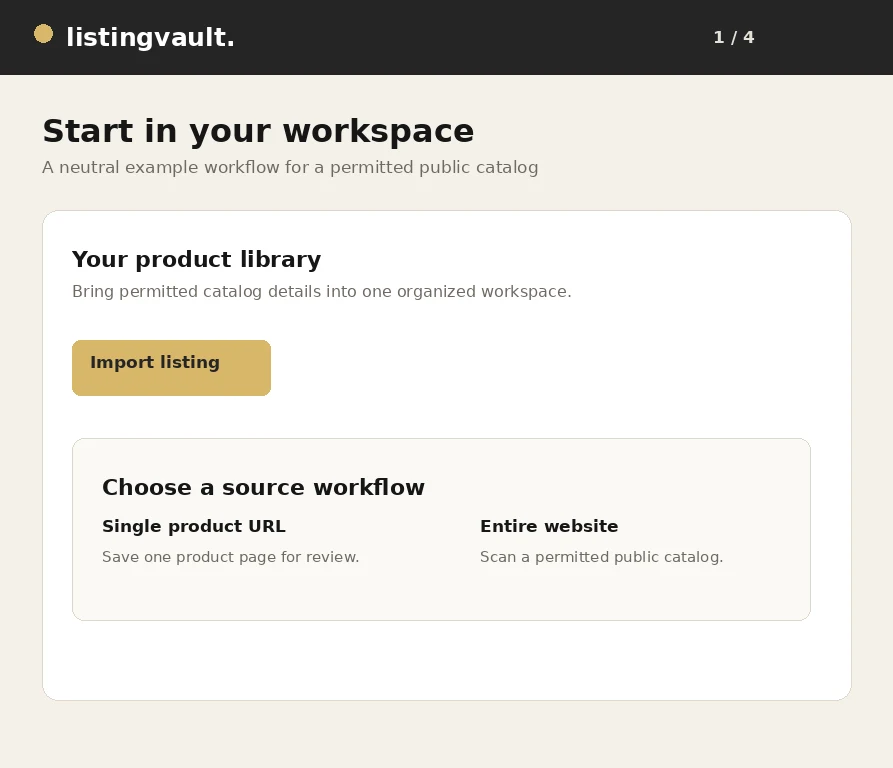
How to organize product titles, descriptions and images
A practical editing system for making product titles, descriptions and image selections easier to review and export.
Read the guideHow to prepare product listings for Pinterest
A rights-aware checklist for preparing listing text, images and destination URLs before saving products for Pinterest.
Read the guideHow to review image rights before reusing product photos
A practical image review that separates technical access, ownership, licensing and channel permission before reuse.
Read the guideHow to create a product catalog from a website
A repeatable method for moving from a public source website to a useful product catalog without treating a scan as automatic publication.
Read the guideListing management for independent sellers: a practical guide
A practical operating system for independent sellers who need product research, listing drafts and export packages to stay understandable.
Read the guideStart with the workflow you need
If your library feels hard to navigate, begin with catalog organization. If you are ready to publish elsewhere, follow the bulk export guide. If a ZIP is missing pictures, use the troubleshooting checklist before retrying.
These guides describe Listing Vault workflows, not automatic marketplace publication or guaranteed source downloads. For billing and account questions, read the FAQs or contact support.