How to organize product listings without losing context
A practical workflow for turning saved product inspiration into a searchable, source-aware listing library.

Separate inspiration from your publishing drafts
A product listing library is a place to organize titles, descriptions, images and source context before publishing. It works best when you can tell the difference between an interesting reference and a draft you have reviewed. Saving a product page does not make its text or photographs your own.
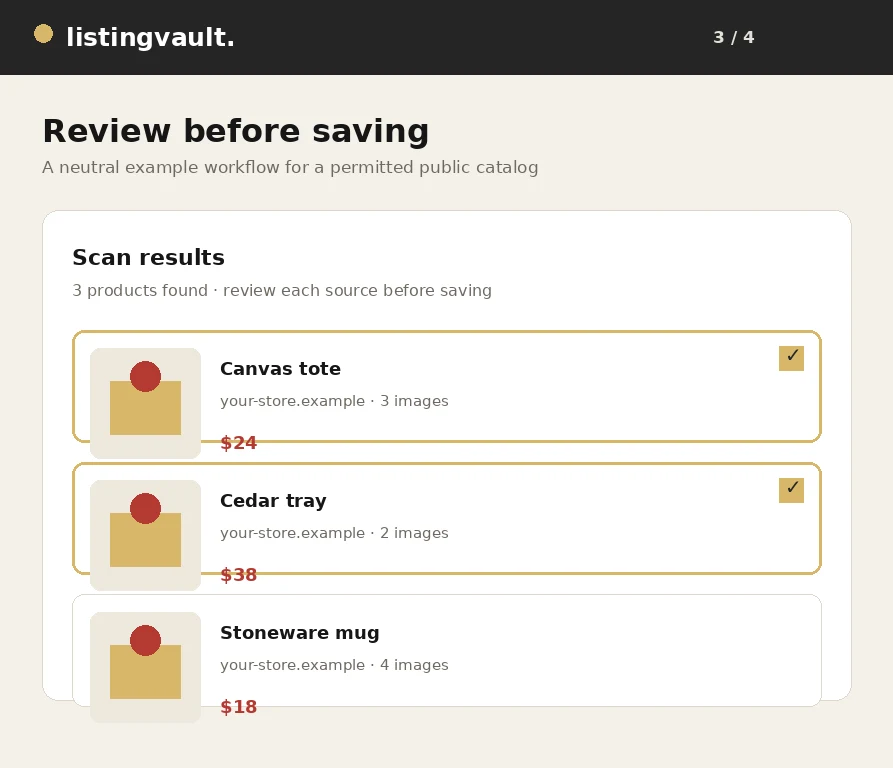
In Listing Vault, keep research items as drafts while you check their source, factual details and permitted use. Write original copy where appropriate and record whether you own the content or have a license that covers your intended use. Keep source snapshots for context rather than treating them as permission to publish.
Create collections around the next decision
Use collections that help you decide what to do next. A collection for a seasonal range, a supplier review or a photography task is usually more useful than one enormous board of everything. Choose names that another person could understand without asking you to explain your entire research process.
For example, an independent homeware seller might keep separate collections for ceramics to review, approved photographs and a launch shortlist. This is an example workflow, not a real customer result. Collections organize the same underlying listings; they do not replace checking each listing's details and image rights.
Use a repeatable title and description review
Make titles specific enough to identify the item. Start with the product type and add the attributes that matter to your customers, such as material, size or finish. Only include details you can substantiate. Avoid adding a brand, certification, compatibility claim or delivery promise merely because it sounds persuasive.
Review descriptions separately from titles. Explain what the product is, its useful attributes and any relevant care information. If an imported description is only a reference, replace it with accurate original text or use it only when your license permits that use. Product facts, copied creative text and third-party images deserve separate attention.
Use bulk editing for genuinely shared values
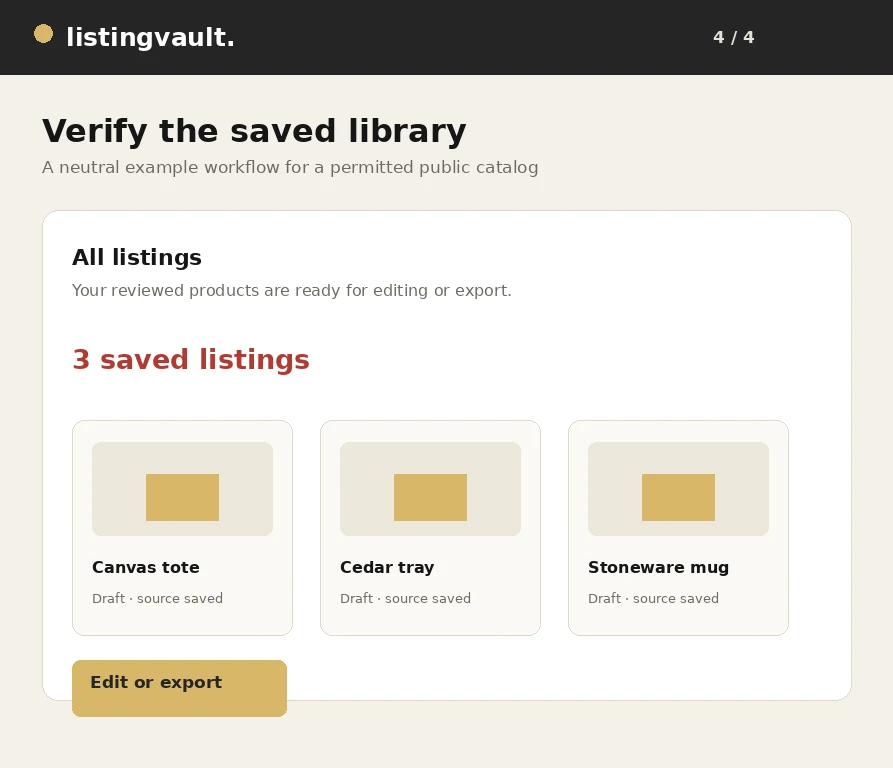
The All listings page provides selection controls and an Edit all listings entry point. Select the items that need a common category, status or rights declaration before opening the bulk editor. A shared description or title can overwrite meaningful differences, so apply common text only when it is actually correct for every selected item.
Save the changes, then open a few representative listings to check the result. Use the image manager to remove unwanted attachments from your selected listings before exporting. Keep the items you still need to research separate from those that are ready to go, and review the ZIP readiness screen before creating a package.
Keep a small review habit
At the end of a research session, give new items a useful title, check the source notes and put them in a collection. Before a launch, review the saved text, retained images and rights declarations together. This simple habit makes the library easier to search and reduces surprises when you download a publishing package.
Listing Vault is a preparation workspace, not a promise of marketplace approval or search rankings. You remain responsible for the accuracy of your listing and the permissions required by your sales channel. For help with your workspace, contact listingvaultsupport@gmail.com without sending passwords, card details or private API keys.
First-party product guidance, not legal advice. Questions? listingvaultsupport@gmail.com.