All guidesExport workflow

How to download product listings with images in bulk

A step-by-step export workflow for carrying selected listing text and eligible stored images into a complete portable package.
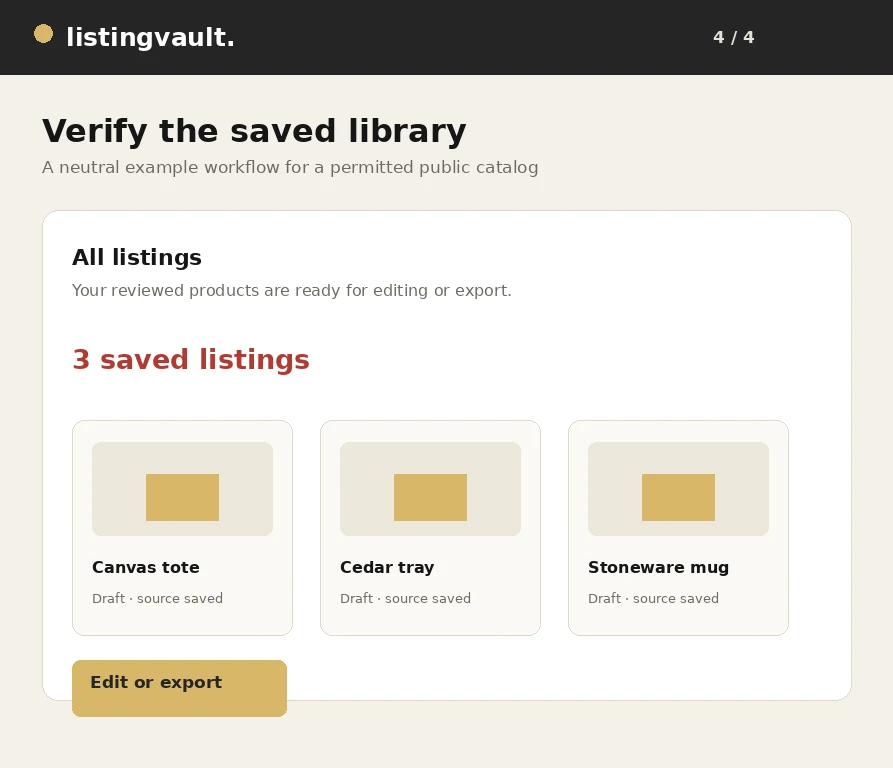
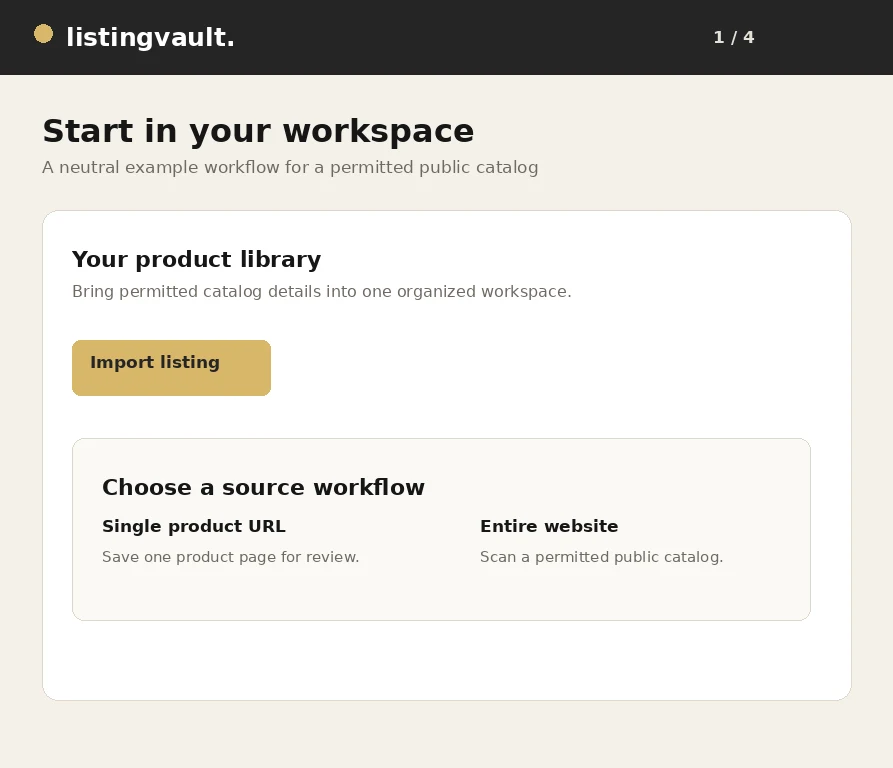
Generic saved listing library ready for a bulk export

Know what a bulk package contains

A bulk package can contain titles, descriptions, source context, rights declarations and image files that are actually stored and eligible. It is a portable working handoff, not a marketplace submission or a guarantee of acceptance.

Start with the readiness view. Confirm the selected count, pending images, failed requests and package parts before downloading. A browser showing one thumbnail does not mean that the ZIP can include that image.

Select listings deliberately

Use filters, collections and selection shortcuts to choose the exact group you need. Check the count after filtering because hidden or previously selected records should not silently join the package.

Apply a rights declaration only when it is accurate for every selected item. Shared edits are useful for a common status or note, but a common description or price can erase important product differences.

Remove unwanted images

Use the selected-listing image manager to remove decorative, duplicate or unapproved pictures before export. Review the remaining gallery after saving so the next package reflects the intended file set.

Removing a gallery reference is not a promise that every previously stored object has been physically erased. Treat the current listing gallery as the source of truth for the next package and use undo when offered.

Let preparation finish

Image preparation runs in bounded work so large libraries can recover from interruptions. A source can refuse requests, return an unsupported format, require authentication or provide an expired URL.

Keep failures visible rather than relabeling inaccessible content as owned. If you have a permitted local copy, upload it. If an image is unnecessary, remove it and continue with the files that are ready.

Collect and verify every part

Large selections may be split into numbered ZIP parts. Download every ready part and keep them together; a single part is not a complete export. Open a few archives and verify both text files and image files.

If a browser stops after one download, return to the export center and use the remaining explicit links. Check the receipt or manifest for authoritative part names and counts before moving the package elsewhere. For the next step, read the missing-image troubleshooting guide.

First-party product guidance, not legal advice. Questions? listingvaultsupport@gmail.com.

Keep exploring

Original fictional terracotta vase from the Listing Vault sample catalog
Catalog organization

How to organize product listings without losing context

A practical workflow for turning saved product inspiration into a searchable, source-aware listing library.

Read the guide
Original fictional amber lamp from the Listing Vault sample catalog
Export workflow

How to bulk export listings with their image files

From selection to a portable ZIP: review your content rights and carry the actual retained image files with your listing text.

Read the guide
Original fictional ceramic mug from the Listing Vault sample catalog
Troubleshooting

Why images are missing from a listing ZIP—and what to check

Check storage, permissions, failed source requests and numbered package parts before retrying a large image export.

Read the guide
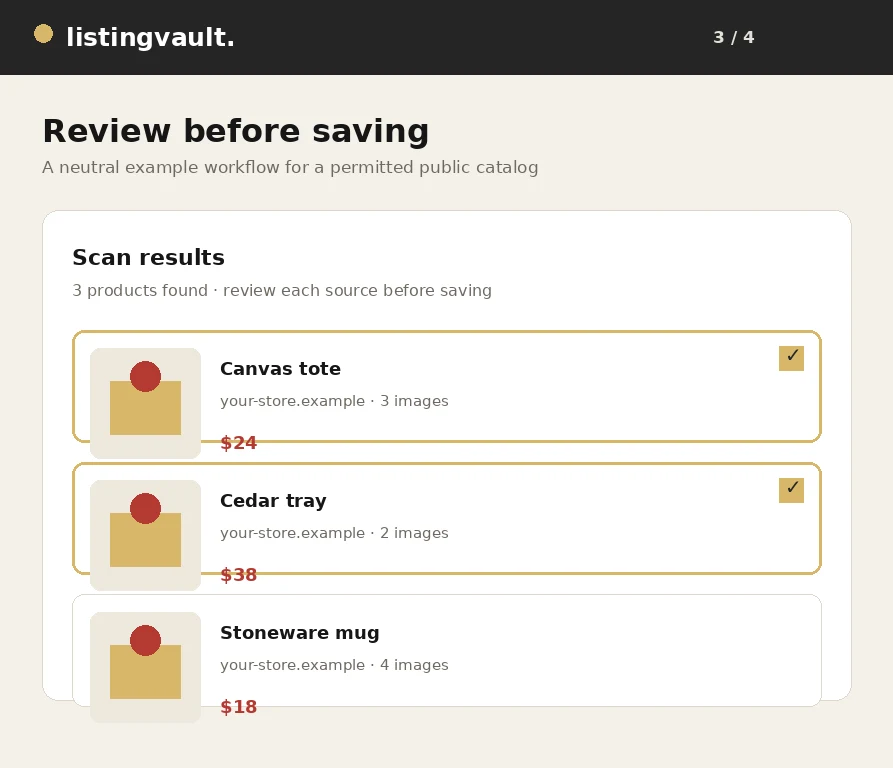
Listing Vault scan review showing product cards and selected listings
Workflow walkthrough

How to scan and save listings from a website

A visual walkthrough of scanning a public catalog, reviewing products and saving the selected listing batch.

Read the guide
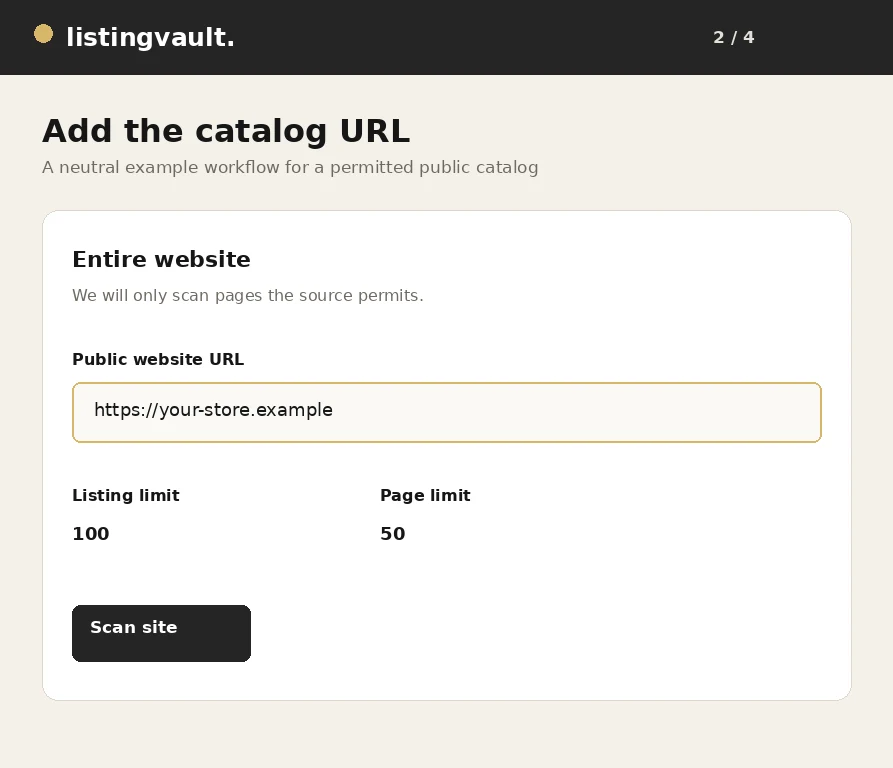
Generic website URL entered in a Listing Vault import workflow
Import workflow

How to import product listings from any permitted website

A practical guide to importing product titles, descriptions and image references from a website you are permitted to scan.

Read the guide
Generic saved listing library ready for a bulk export
Export workflow

How to download product listings with images in bulk

A step-by-step export workflow for carrying selected listing text and eligible stored images into a complete portable package.

Read the guide
Generic scan results showing distinct product cards before saving
Import quality

How to avoid duplicate products when importing listings

Practical ways to keep a product library distinct when scanning pages, resuming jobs or importing the same source more than once.

Read the guide
Generic Listing Vault workspace for organizing product drafts
Catalog editing

How to organize product titles, descriptions and images

A practical editing system for making product titles, descriptions and image selections easier to review and export.

Read the guide
Generic saved product library prepared for a channel export
Channel preparation

How to prepare product listings for Pinterest

A rights-aware checklist for preparing listing text, images and destination URLs before saving products for Pinterest.

Read the guide
Generic scan review with product images awaiting rights review
Rights-aware workflow

How to review image rights before reusing product photos

A practical image review that separates technical access, ownership, licensing and channel permission before reuse.

Read the guide
Generic Listing Vault workspace for building a product catalog
Catalog building

How to create a product catalog from a website

A repeatable method for moving from a public source website to a useful product catalog without treating a scan as automatic publication.

Read the guide
Generic Listing Vault library showing organized seller drafts
Seller operations

Listing management for independent sellers: a practical guide

A practical operating system for independent sellers who need product research, listing drafts and export packages to stay understandable.

Read the guide