Why images are missing from a listing ZIP—and what to check
Check storage, permissions, failed source requests and numbered package parts before retrying a large image export.

First, distinguish a remote link from a saved file
A visible image and an exportable attachment are different things. A listing can show a picture hosted by its source website without storing a copy in Listing Vault. A ZIP can carry a real image file only after an eligible upload or successful archive has placed that file in your vault.
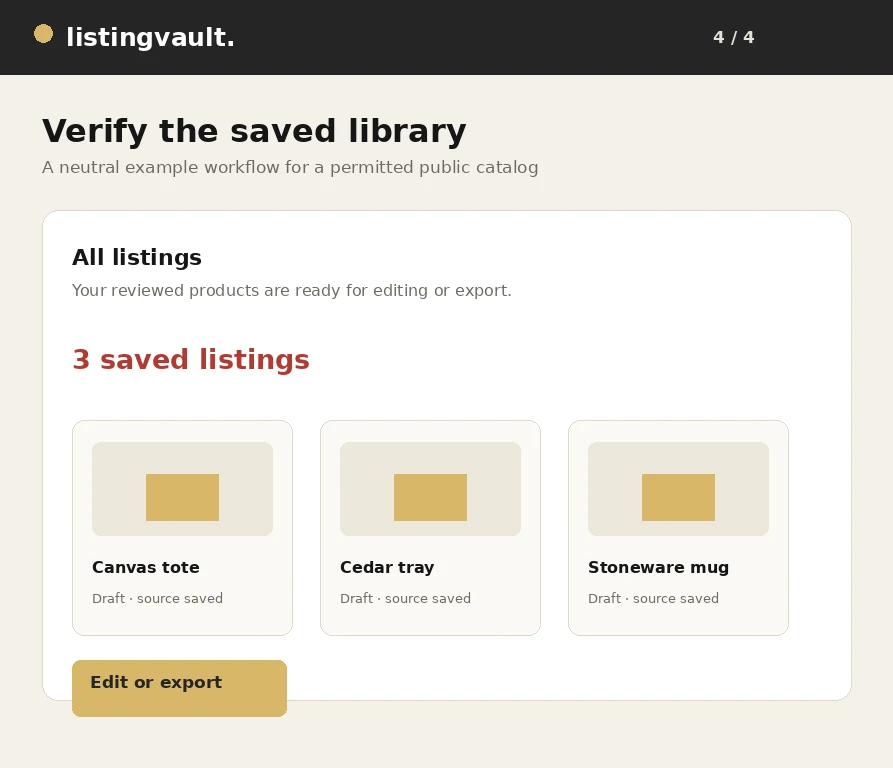
Start with the ZIP readiness review. Look at selected listings, pending remote references, stored images and rights issues. If the file is not stored, return to the bulk rights and image-preparation workflow instead of assuming that pressing Download again will turn the remote link into an attachment.
Check text rights and image rights separately
Publishing readiness includes both the listing text and the retained images. A product with declared image rights can still have reference-only text, and a rewritten description does not grant permission to use someone else's photography. Review the relevant content and choose ownership or licensed rights only when those declarations are accurate.
A declaration in the application is your record, not independent verification. If your license is unclear, ask the content owner or obtain an appropriate permitted file. Listing Vault does not provide legal advice, and a successful technical download does not determine whether a particular publishing use is authorized.
Read the actual image-preparation failure
Some source servers block automated access, require authentication or return content that is not a supported image. URLs may also expire. The app keeps source failures visible so that you can distinguish a permission or availability problem from normal batch continuation. Repeatedly retrying an unchanged blocked URL may produce the same result.
If you have a permitted local copy, upload it using the image controls. If a picture is unnecessary, use the image manager to select and remove it from the listings, confirm the change and review readiness again. Do not try to bypass a site's access controls or represent a source-only image as a stored attachment.
Let pending work finish and collect every part
Large libraries need more than one bounded preparation batch. Review progress and use the provided continue or retry controls where appropriate. The image queue stores work in the database and uses leases to recover interrupted jobs; this improves recovery but cannot make an unavailable source start serving an image.
Exports may also be split into numbered ZIP packages by size or attachment count. A single part does not necessarily contain every image for every listing. Keep all generated parts together, use each ready link and consult the package manifest when checking completeness. If your browser did not save a file automatically, the explicit download links remain the next action.
Ask for help with useful, non-sensitive details
Send support the approximate time, selected listing count, image count, package part number and exact error text. Explain whether you were preparing images, generating a ZIP or saving the browser download. A screenshot with private information removed can help separate a source error from an interrupted browser transfer.
Contact listingvaultsupport@gmail.com for Listing Vault support. Do not send passwords, verification or reset links, full payment card numbers, Stripe signing secrets or API keys. Support contact does not activate automated verification emails; account-email delivery remains inactive until a supported sending setup is configured.
First-party product guidance, not legal advice. Questions? listingvaultsupport@gmail.com.