All guidesImport workflow

How to import product listings from any permitted website

A practical guide to importing product titles, descriptions and image references from a website you are permitted to scan.
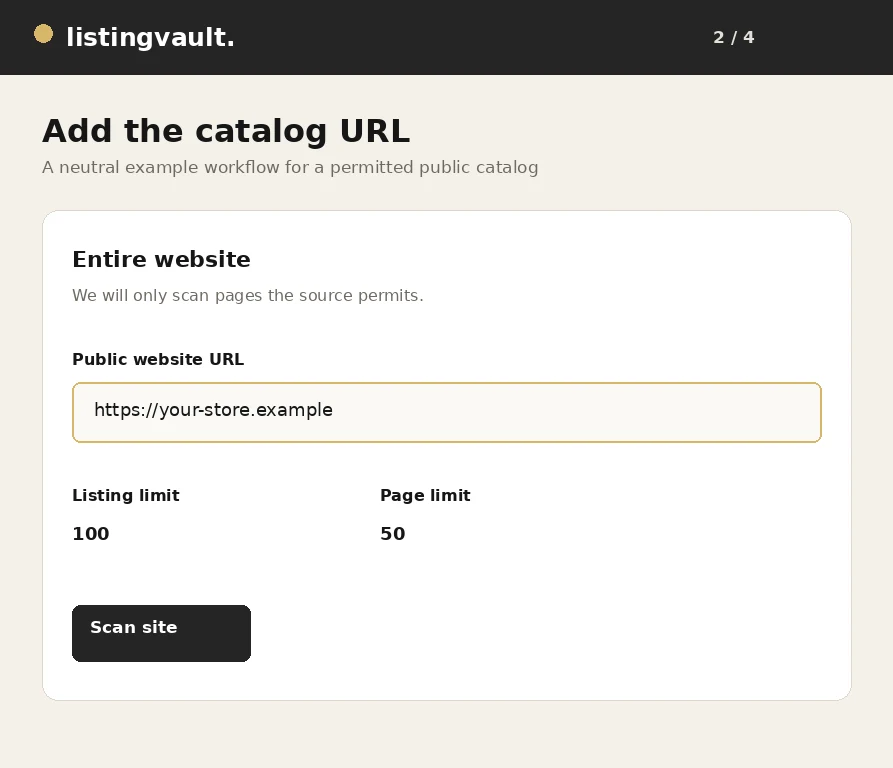
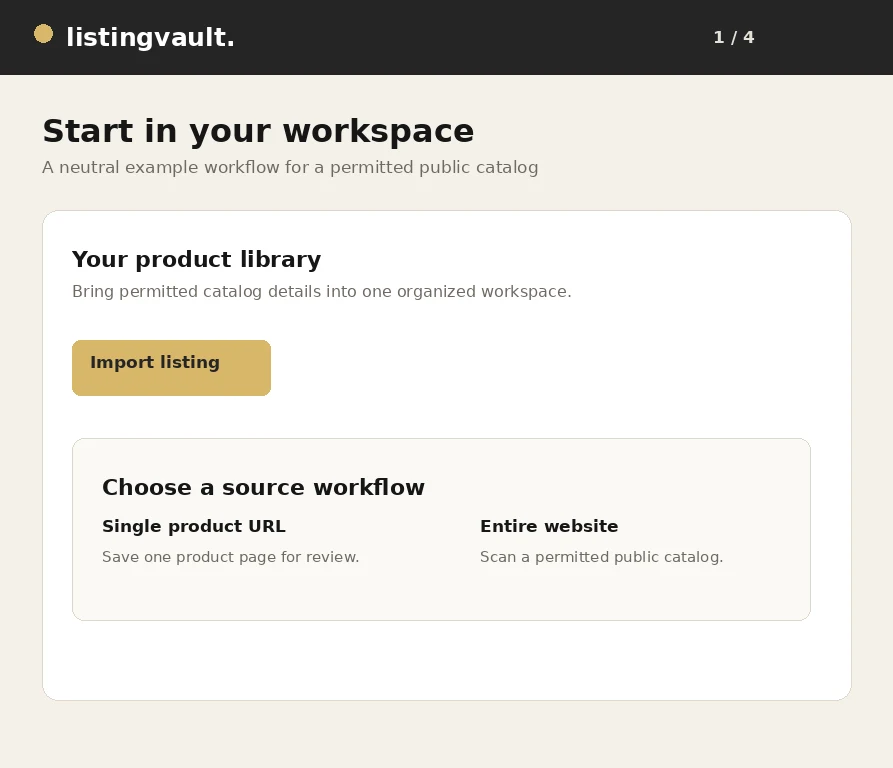
Generic website URL entered in a Listing Vault import workflow

Choose permission before import

Begin with the permission question, not the button. A public page can still carry copyright, contract, access or channel restrictions. Listing Vault organizes a permitted research workflow; it does not grant permission to copy a catalog or reuse its creative work.

Keep the source URL, the intended use and any license note with the draft. That context lets you compare important facts later, explain why a file was retained and remove material that should not enter a publishing package.

Select the right scan boundary

Use a single product URL when you know the item you need. Use an entire-website scan when the source exposes a bounded catalog and you are permitted to review it. Set practical listing and page limits before the job starts.

A bounded scan is best-effort, not a guaranteed mirror. A source may require authentication, block automation, expose only a sitemap subset or render fields in a way a crawler cannot read. Treat results as a review set.

Review metadata before saving

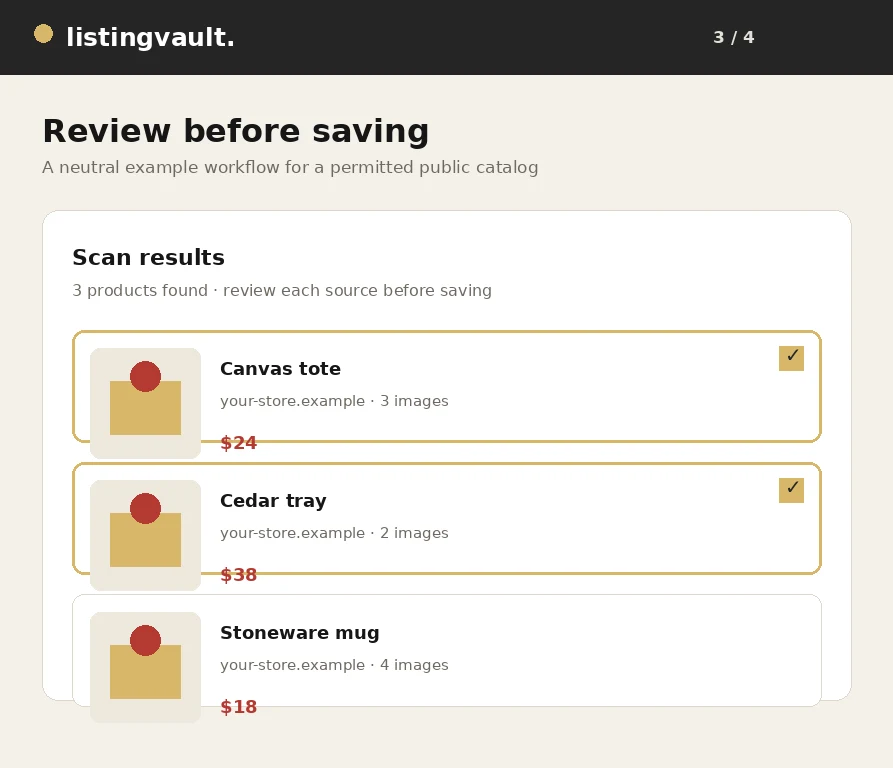
Inspect the title, description, price, source link, variants and image count on each result. Watch for duplicated cards, truncated copy, incorrect currencies and facts pulled from navigation instead of the product page.

Rewrite reference copy in original language unless your permission covers reuse. Do not add brand, certification, compatibility, delivery or performance claims just because they sound persuasive. Keep uncertain facts as follow-up work.

Separate files from references

A visible thumbnail is not proof that a stored, exportable image exists. Check whether each image is an eligible file or a remote reference, then retain only files you own or are licensed to use for the intended destination.

An ownership or licensed-rights declaration records your decision; it does not verify a license or transfer copyright. If access is blocked, do not bypass the restriction. Upload a permitted replacement or remove the reference.

Continue with a focused draft

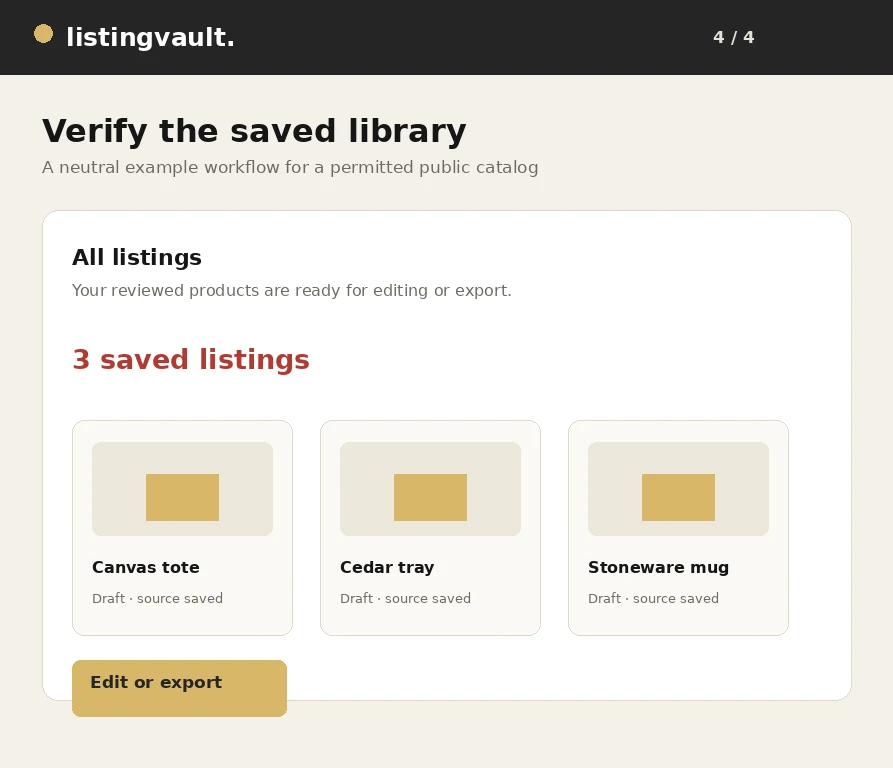
Save only products with a clear next action. Collections can separate research, photography, editing and launch preparation. After saving, compare representative drafts with their source pages before relying on a price, dimension or material claim.

Use the related guide linked below for the next decision. A small, reviewed set is easier to export and correct than a large library with no source context, no owner and no distinction between reference and ready-to-use content. For the next step, read avoiding duplicate imports.

First-party product guidance, not legal advice. Questions? listingvaultsupport@gmail.com.

Keep exploring

Original fictional terracotta vase from the Listing Vault sample catalog
Catalog organization

How to organize product listings without losing context

A practical workflow for turning saved product inspiration into a searchable, source-aware listing library.

Read the guide
Original fictional amber lamp from the Listing Vault sample catalog
Export workflow

How to bulk export listings with their image files

From selection to a portable ZIP: review your content rights and carry the actual retained image files with your listing text.

Read the guide
Original fictional ceramic mug from the Listing Vault sample catalog
Troubleshooting

Why images are missing from a listing ZIP—and what to check

Check storage, permissions, failed source requests and numbered package parts before retrying a large image export.

Read the guide
Listing Vault scan review showing product cards and selected listings
Workflow walkthrough

How to scan and save listings from a website

A visual walkthrough of scanning a public catalog, reviewing products and saving the selected listing batch.

Read the guide
Generic website URL entered in a Listing Vault import workflow
Import workflow

How to import product listings from any permitted website

A practical guide to importing product titles, descriptions and image references from a website you are permitted to scan.

Read the guide
Generic saved listing library ready for a bulk export
Export workflow

How to download product listings with images in bulk

A step-by-step export workflow for carrying selected listing text and eligible stored images into a complete portable package.

Read the guide
Generic scan results showing distinct product cards before saving
Import quality

How to avoid duplicate products when importing listings

Practical ways to keep a product library distinct when scanning pages, resuming jobs or importing the same source more than once.

Read the guide
Generic Listing Vault workspace for organizing product drafts
Catalog editing

How to organize product titles, descriptions and images

A practical editing system for making product titles, descriptions and image selections easier to review and export.

Read the guide
Generic saved product library prepared for a channel export
Channel preparation

How to prepare product listings for Pinterest

A rights-aware checklist for preparing listing text, images and destination URLs before saving products for Pinterest.

Read the guide
Generic scan review with product images awaiting rights review
Rights-aware workflow

How to review image rights before reusing product photos

A practical image review that separates technical access, ownership, licensing and channel permission before reuse.

Read the guide
Generic Listing Vault workspace for building a product catalog
Catalog building

How to create a product catalog from a website

A repeatable method for moving from a public source website to a useful product catalog without treating a scan as automatic publication.

Read the guide
Generic Listing Vault library showing organized seller drafts
Seller operations

Listing management for independent sellers: a practical guide

A practical operating system for independent sellers who need product research, listing drafts and export packages to stay understandable.

Read the guide