How to bulk export listings with their image files
From selection to a portable ZIP: review your content rights and carry the actual retained image files with your listing text.

Know what an image-inclusive ZIP contains
An image-inclusive listing export contains actual saved image files, not just links to pictures on another website. Listing Vault packages your saved listing text, eligible stored attachments and rights information. Archive packages also carry source context; publishing packages require rights-declared text and eligible image attachments.
A thumbnail on the listing page is not proof that a file has been stored in your vault. A browser can display a remote image while that source still blocks a server download. Review image storage and rights before exporting so you know whether your package can include the attachments you expect.
Select the right group of listings
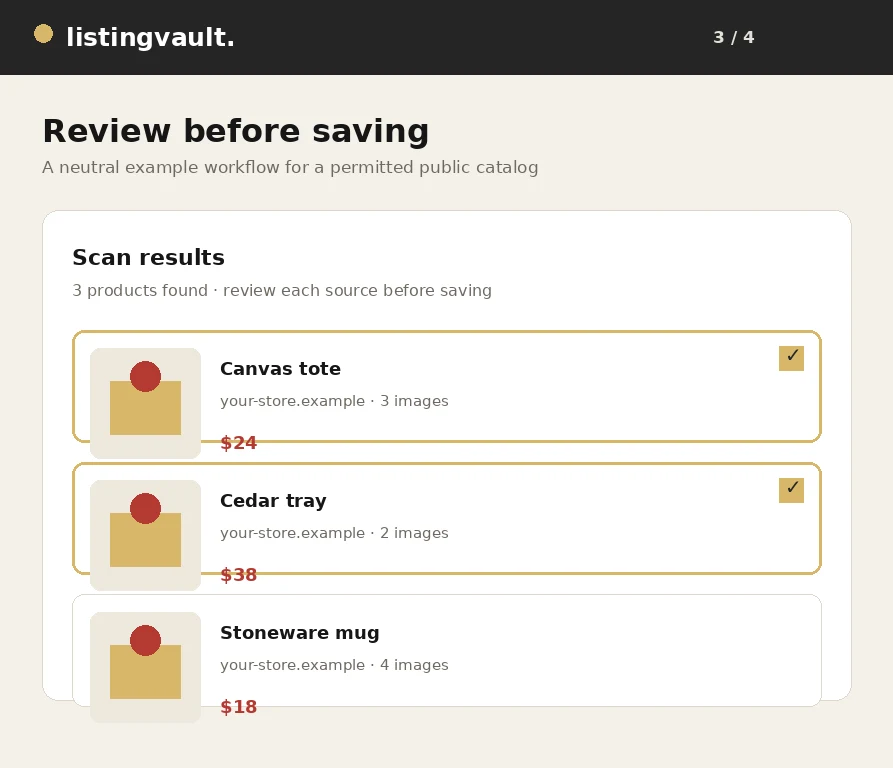
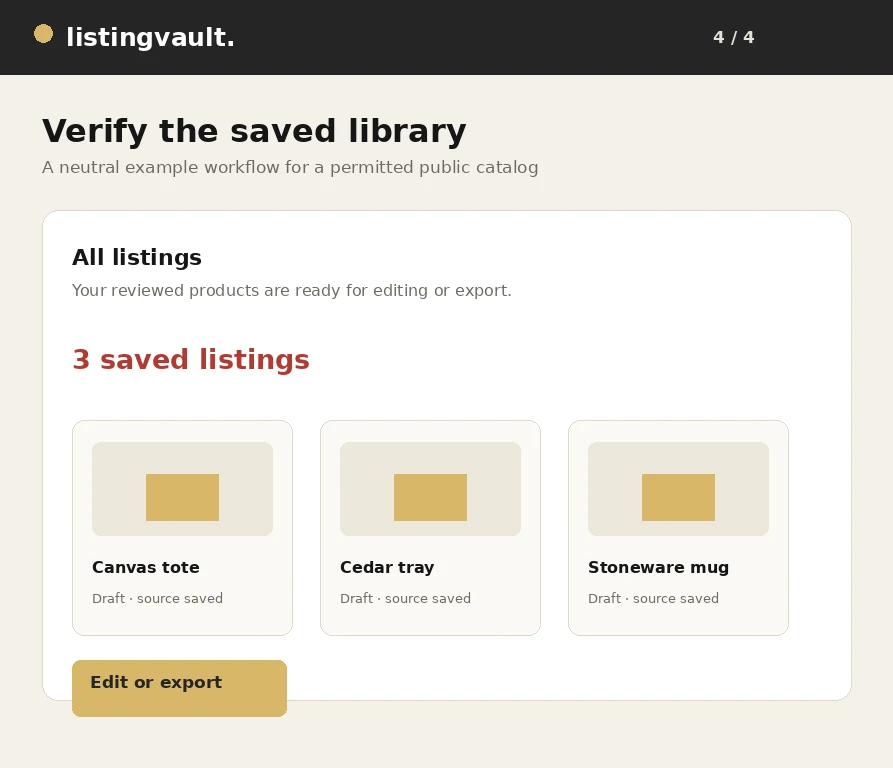
Open All listings, use the selection controls and choose Edit selected & rights, or use Edit all listings for the full current library. Check the selected count before saving. If you only need one collection or shortlist, select that group instead of applying the same edits to unrelated products.
The bulk editor lets you update shared fields and record a rights declaration for the selected content. Claim ownership only if you actually own the relevant text and images. Choose licensed rights only when your license covers the intended use. The control records your declaration; it does not transfer copyright, verify a license or override a source site's terms.
Remove unwanted pictures before storing and exporting
Use the selected-listing image manager to inspect the retained pictures. Select unwanted thumbnails and confirm their removal from those listings. This prevents those attachments from being included in the next ZIP. Removing a gallery reference is not a promise that every previously stored cloud byte has been physically erased.
Keep the images that are useful and permitted. If you remove pictures by mistake, use the offered undo action while it is available. Undo checks for intervening changes rather than overwriting a newer gallery. Review the remaining selection before asking the application to prepare an export.
Wait for eligible remote images to be stored
After confirming your rights, keep image preparation enabled when you want remote pictures included as files. The application archives accessible supported images in bounded batches. Existing compatible work can be reused, and the selected original image targets remain scoped to the confirmation that started the job.
A source can refuse the request, stop serving a URL or provide an unsupported response. Those problems are shown rather than silently described as a complete download. Do not repeatedly relabel inaccessible content as owned to try to bypass restrictions. Remove an unwanted failed image, upload your own permitted copy or resolve the source permission problem before retrying.
Download every numbered part and verify the result
Review ZIP readiness, then generate your Archive or Publishing package. The progress indicator remains visible while the package is prepared. When files are ready, use the retained download links. Large image libraries may be split into numbered ZIP parts to stay inside size and attachment limits; download every part for the complete set.
Open the downloaded ZIP files and check a few listings and their image files before using them elsewhere. The package is portable preparation material, not automatic publication to a marketplace. If a download fails, include the package part, approximate listing count and visible error when contacting listingvaultsupport@gmail.com. Never include card details or account passwords.
First-party product guidance, not legal advice. Questions? listingvaultsupport@gmail.com.