How to avoid duplicate products when importing listings
Practical ways to keep a product library distinct when scanning pages, resuming jobs or importing the same source more than once.
Understand why duplicates appear
A product can have a clean URL, tracking URL, query variant, category route and sitemap entry. Starting a second scan while the first is running or saving the same review set twice can create another layer of confusion.
The goal is not to delete every similar title. Variants may be real products. Instead, distinguish records using canonical URLs, product identifiers, variant details, price and image evidence.
Compare canonical source identity
Normalize source URLs where appropriate, honor a page canonical link and preserve the original URL as evidence. A title match alone is not enough because separate sizes or colors may legitimately share a name.
When two cards clearly represent the same source product, keep one reviewed record and discard the duplicate. When they represent meaningful variants, retain the distinction and explain it in the source note.
Keep resume state stable
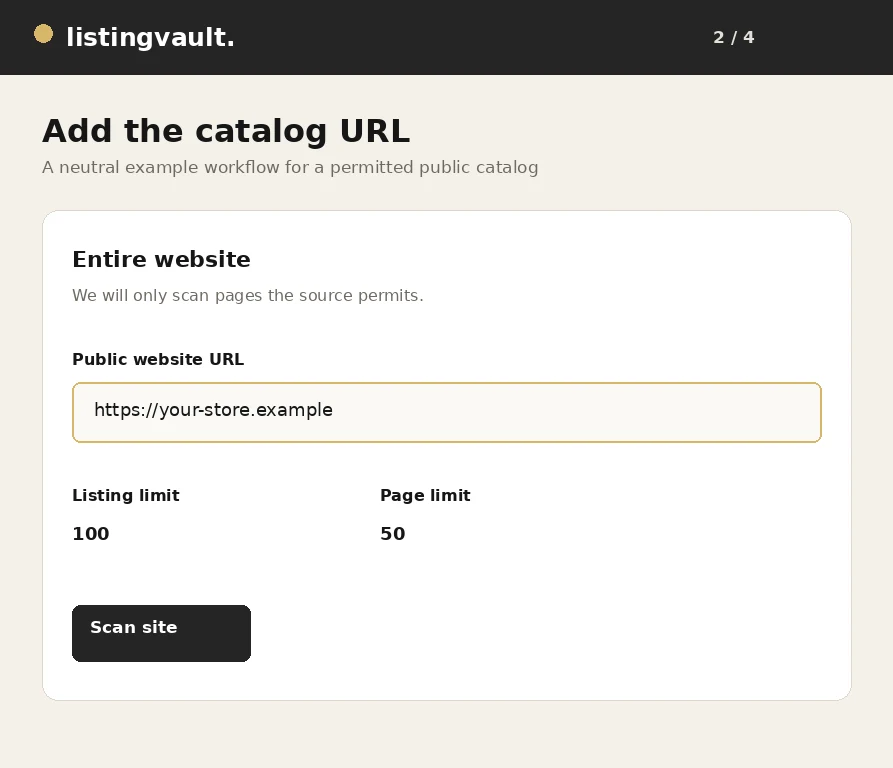
Choose listing and page limits before a scan begins. If a job stops, use its cancel or resume controls instead of opening several replacement jobs. A stable frontier makes found, pending and new products easier to understand.
Review the continuation count and status before saving. For a large website, resuming the saved job is safer than starting a new scan that has no knowledge of products already reviewed.
Review before bulk saving
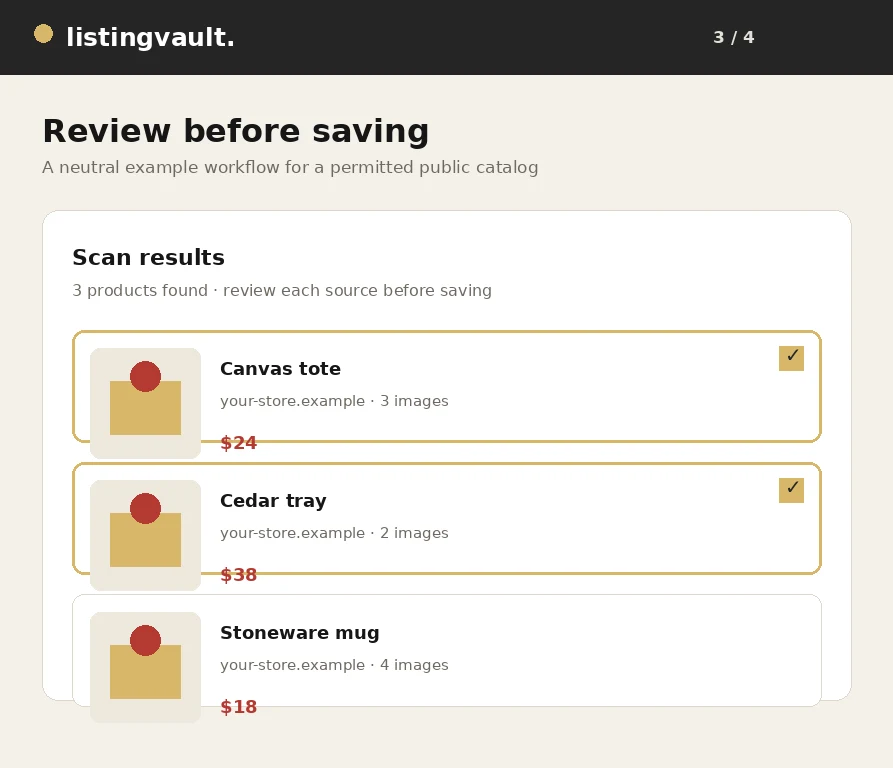
Do not rely only on the result count. Inspect source links, titles and images at the beginning, middle and end of the review set. Duplicates often cluster around pagination, category pages or alternate URLs.
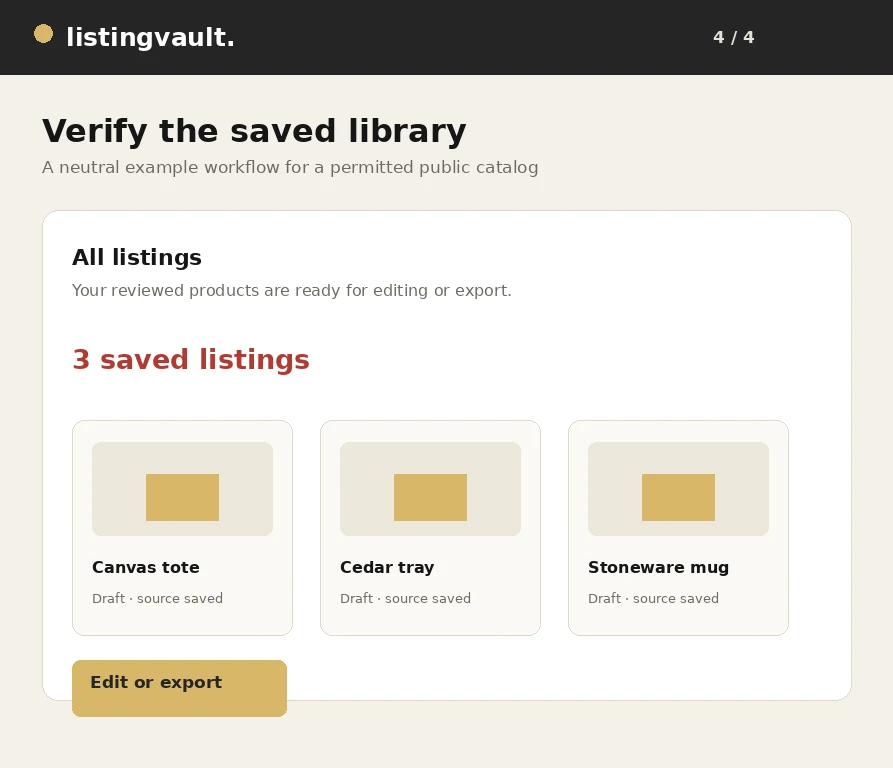
If duplicates are already saved, search by source and keep the stronger reviewed record. Remove the unwanted record through the normal account workflow, then verify the library count before exporting.
Maintain a distinct library
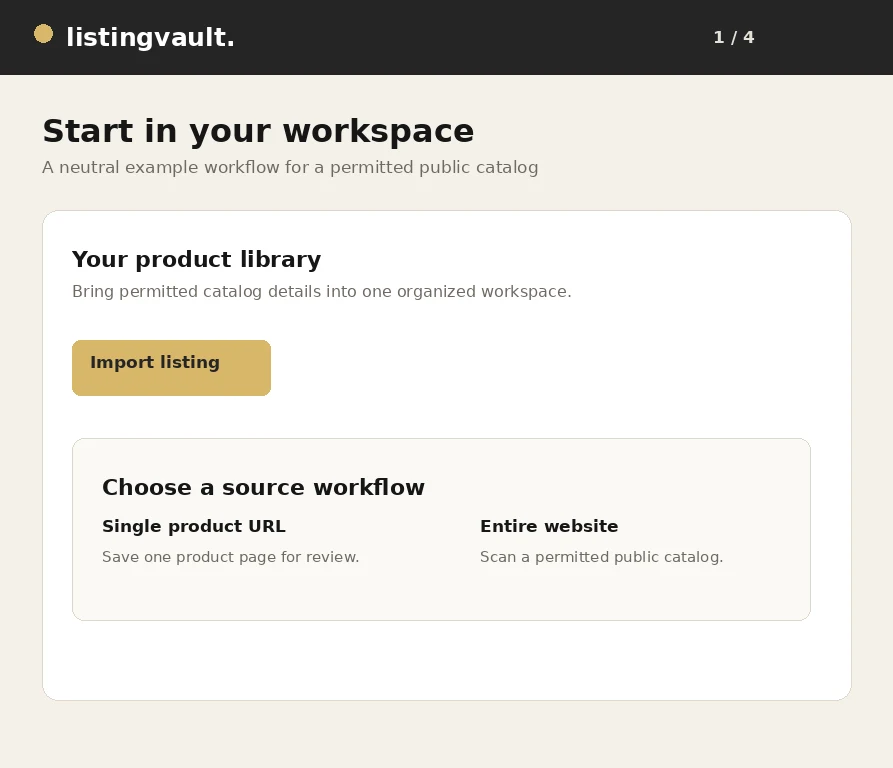
Record a source, useful title and collection for each saved item. When importing later, compare the new canonical source identity with the existing library before adding more cards.
A short duplicate review prevents a large cleanup project. It also makes ZIP manifests, channel preparations and support questions easier to reconcile because each source product has one understandable record. For the next step, read the permitted-website import guide.
First-party product guidance, not legal advice. Questions? listingvaultsupport@gmail.com.